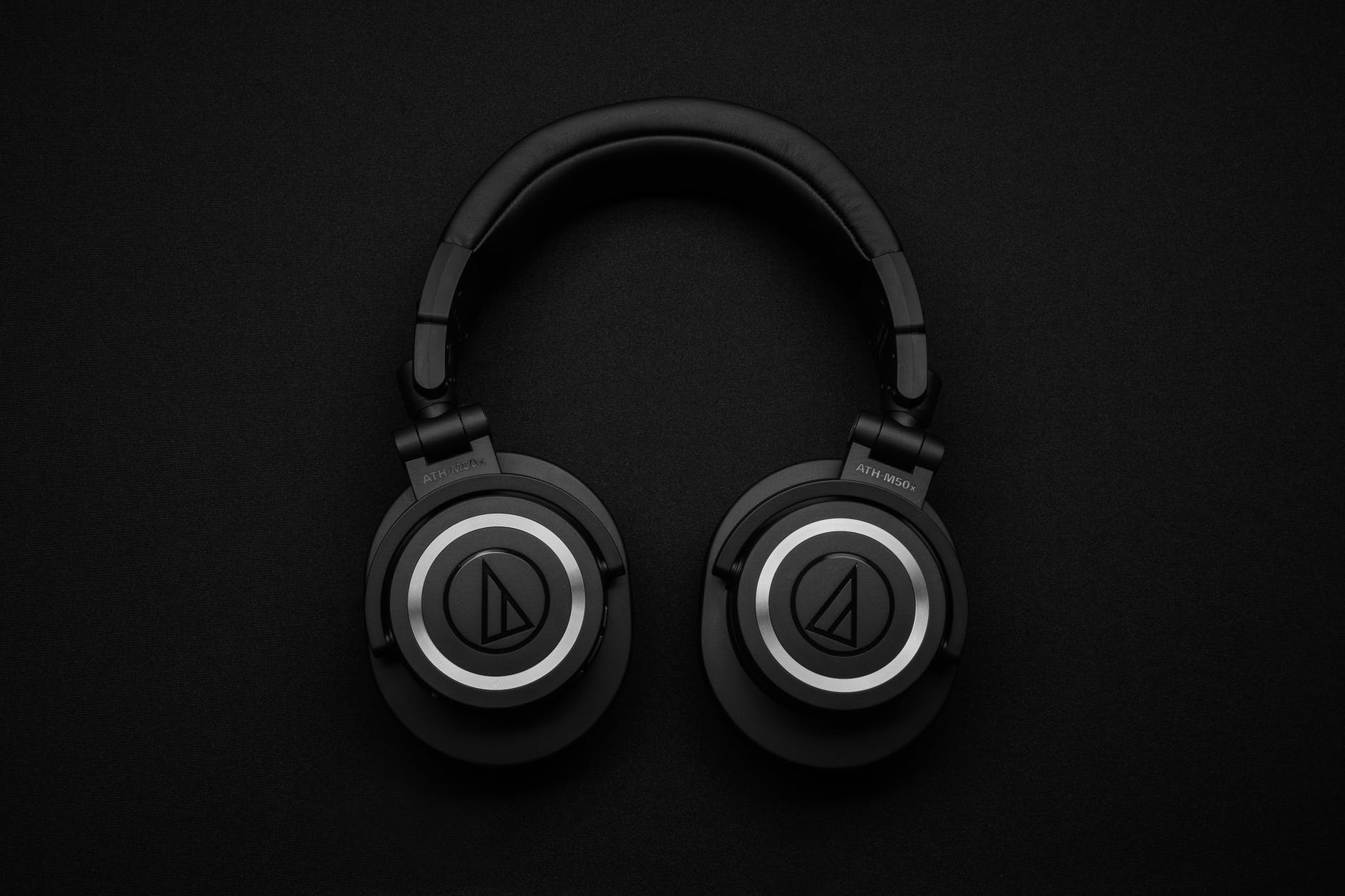
After recently getting the Poly Voyager Focus 2 headet to help block the noise of my air conditioning out while on calls all day long, I found they had a very distant Bluetooth audio. This seemed to only happen in calls and was extremely frustrating.
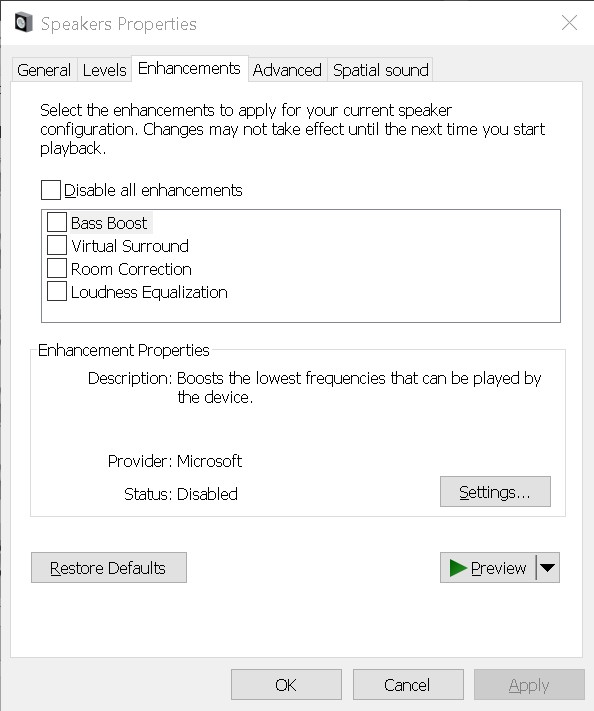
After a bit of investigation, it turned out that Windows 10 had enhancements enabled within the sound device and turning these off corrected the sound.
Steps to Fix Distant Bluetooth Audio
- Right click on the speaker in the task bar and select ‘Open Sound Settings’
- In the related settings list (top right) – Open “Sound Control Panel”
- Select the device in the list and click “properties”
- Select Enhancements Tab
- Adjust the enhancement’s listed to improve the sound
- Click OK
I hope this resolves your issue with distant audio.
Tell me what you think in the comments below or on X @timdixon82